
Save photos and files
How to Preserve Photos and Videos After a Death

Founder of Fort Legacy
Published: 2026-10-10
Find the original photo libraries, obtain the access you are entitled to use, then save and test independent copies. A visible thumbnail, shared-album link or synced phone is not proof that you have a complete backup.
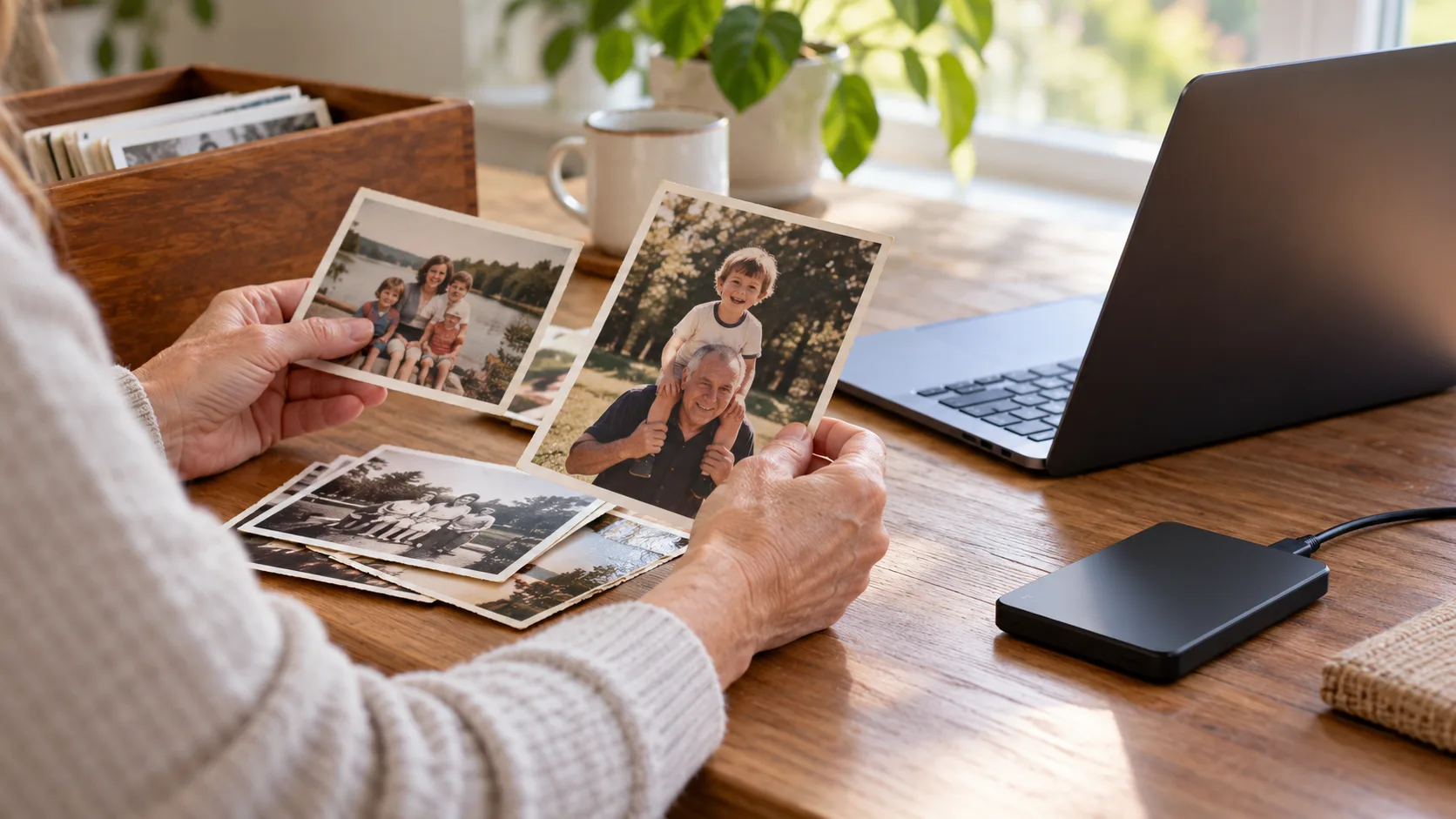
Map the places photos may be stored
Start with places you already know: phones, tablets, computers, camera cards, external drives, iCloud Photos, Google Photos and shared family albums. Ask relatives whether they have copies sent directly to them. Record the source and approximate years covered without searching private material beyond your authority.
Separate family memories from business files or material involving other people. One person may be permitted to hold a device while someone else is responsible for requesting cloud data. Record that distinction so a helpful relative does not delete or move the only copy.
If the phone is locked, set it aside securely while you investigate existing backups and the provider's deceased-user process. Do not erase it to make it usable. The separate locked-iPhone article explains why account data and device access require different decisions.
Use the correct route into each library
Apple and Google offer specific deceased-user request processes. An Apple Legacy Contact key or a Google inactivity notification can matter, but neither should be assumed to exist. Check the plan, the representative's records and the provider's current requirements before trying ordinary password recovery.
An existing shared album may give you access only to selected items. It does not prove that you can obtain the account owner's full library, original resolutions or private albums. Save the items you are entitled to receive and record what the source actually covers.
Keep needed storage subscriptions under review while a lawful export or data request is pending. Ask the provider about charges, retention and the effect of closure. Do not assume a death notification pauses deletion or payment issues.
Download files, not just links
For an authorized iCloud library, Apple's download guidance distinguishes original files from more compatible versions. Choose deliberately: originals preserve the source format, while an additional compatible copy may be easier for relatives to open. Keep your master folder outside a location that automatically mirrors deletions from the original account.
For Google Photos, the official download route supports individual photos and videos and points to a full-data export. Check the export's scope and completion. Download every archive part before its link expires; a notification that an export is ready is not the archive itself.
Do not delete duplicates or reorganize the source library while you are still collecting it. Make a working copy for sorting later. Keep associated information files from exports, even when you do not yet know how to use them.
Check what was actually saved
A computer may assign the download date to the new file. That does not necessarily replace the capture date stored inside the photo's metadata. Keep original names and export folders until you understand what information is present.
If a video will not play, the issue may be the player or format rather than a missing recording. Preserve the original and try a suitable trusted player. Do not overwrite it with a failed conversion.
- Compare the source's date range and approximate item count with the export. Investigate large gaps rather than assuming matching folder names mean matching contents.
- Open a selection from the oldest, newest and middle years. Zoom in to check that you have full images rather than tiny previews.
- Play several videos through the ending and check their sound. A visible first frame does not establish that the whole video works.
- Look for edited versions, Live Photos, album context and any metadata files. Preserve them before deciding what the family needs.
- Copy the finished archive to a second independent location and test it there.
Agree a private handover before closing accounts
Choose a living person to maintain the archive, with a second trusted person who knows where the backup is. Document the storage location, date checked and any access instructions in a secure place. Do not put passwords into a family worksheet.
Share selected memories privately first. Images may contain children, addresses, location data or people who did not agree to public posting. Receiving an estate copy does not settle every question about publishing it.
Before closure, list missing material, unresolved requests and subscriptions still needed. Ask the representative to approve the final decision after the files have been checked. Keep the provider confirmation with the inventory so everyone knows which source is no longer available.